Ok but what about audio
Right after the pipeline I was like what about audio to text or binary or whatever, can you hide a message in a sound file? You can and it sounds exactly the same.
Other audio stuff
I'd made a voice changer and an audio visualizer the day before too.
How it hides
A WAV is basically a really long list of numbers, around 44,100 every second, and each one is how far the speaker should push right then. It only changes the very last bit of each number, which is a change of 1 out of 65,536 so you can't hear it at all, and every number holds one bit of your message.
for (let i = 0; i < bits; i++)
  s[i] = (s[i] & ~1) | ((data[i >> 3] >> (7 - (i & 7))) & 1);
s[i] & ~1 clears the last bit of a sample and the other side grabs the next bit of your message and puts it there. Reading it back is the same thing backwards, it grabs the last bit of every sample and puts them back together into bytes. There's a little LSBA tag at the start so it knows there's actually a message in there.
MP3 and most apps squish audio to make it smaller, and that rewrites all those tiny numbers so your message is just gone. So you gotta send the WAV as a file and not like a voice message.
I also read somewhere that if you put the WAV in a video you have to mux it without re-encoding and I had no idea what that meant at first. It just means put the exact same audio in and don't let it get compressed again.
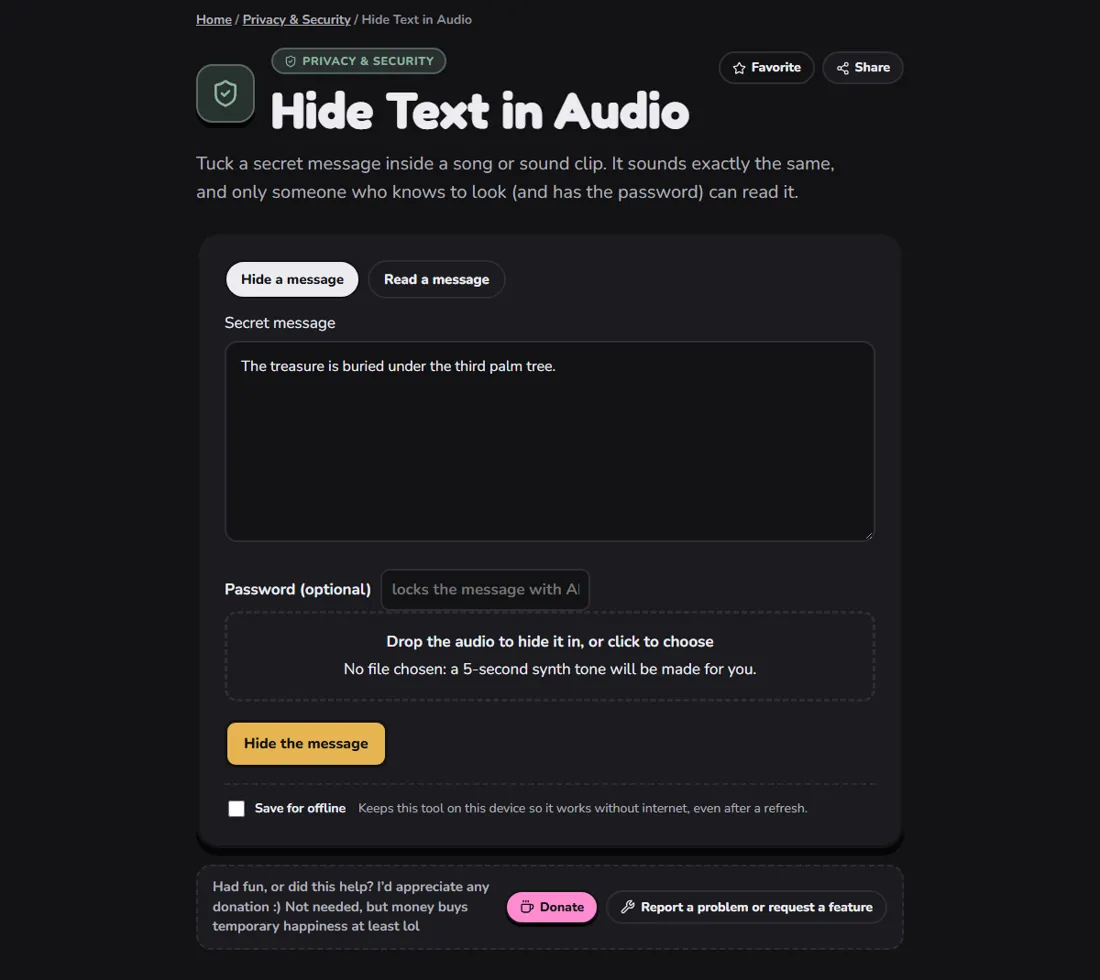 What it looks like
Type the message, add a password if you want, drop a sound in (or it makes a 5 second tone for you) and hit hide.
Pictures you can only see in a spectrogram
The Spectrogram Message Maker is kinda the opposite. Instead of hiding it in the bits it plays tones at the exact right pitches so when you open the sound in a spectrogram your text or picture shows up drawn in it. Just sounds like weird beeping until you look at it lol.
To actually see it there's the Audio Spectrogram Analyzer, it does it live from your mic or from a file and you can slow it down, reverse it, cut the lows or highs and save it as a PNG.
And just turning audio into numbers
Audio to Numbers shows the actual samples as decimal, hex, binary or floats and exports them as CSV, C, Python or JSON, and it goes the other way too, numbers back into a WAV. Kinda niche but it's a cool way to see what a sound file actually is.